Machine is completely set up, and we ran into some trouble while doing a tutorial video learning how to use the machine.
While trying to zero the machine automatically, or ‘home’ per sey, it wants to go upwards further and is showing us an alarm code 9 message. It says to increase our max travel for the z axis or adjust soft limits and we can’t figure it out. Any help is greatly appreciated, thank you!
Alarm 9 indicates that it can’t find the limit switch during the homing sequence.
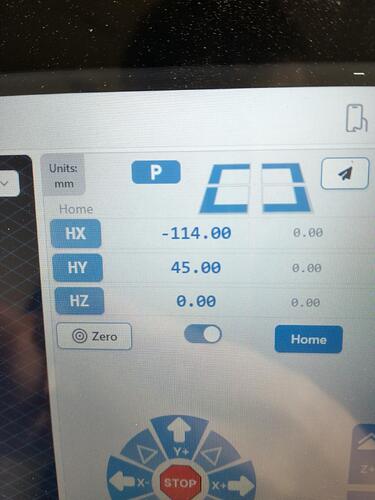
To troubleshoot, I recommend homing each axis separately. To do that, enable the toggle below the coordinates. The buttons on the left will then change to HX, HY, and HZ. Press one of those buttons to home that axis.
I’m guessing that your limit switch is not set properly (perhaps too far back), or not wired properly.
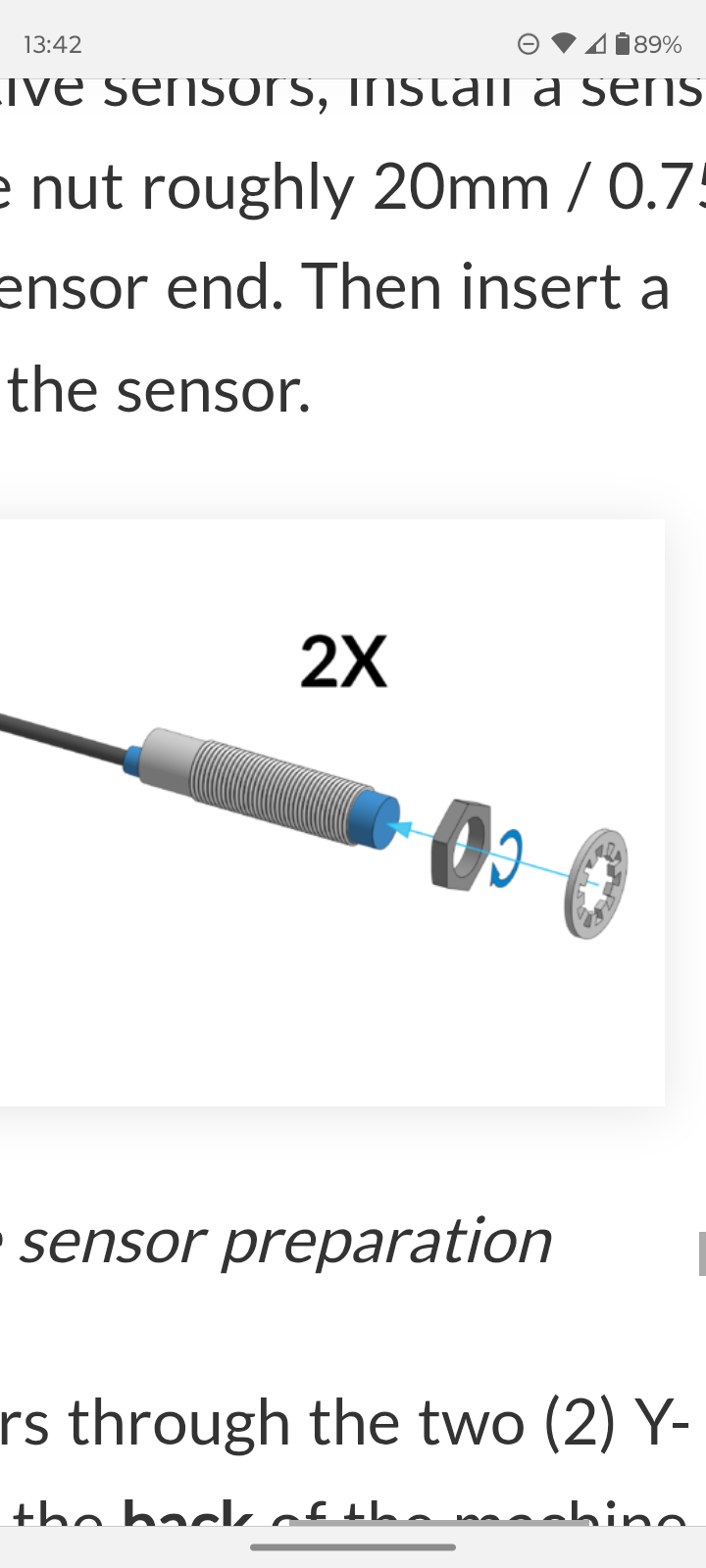
To check it it is wired properly, just put a metal object next to it. The tiny LED at the back of the sensor should light up AND gSender should give you Alarm 10 (it may actually trigger several alarms but only the last one is displayed)
It can be helpful to turn off soft limits while getting homing and limits set up so they wont trigger anything. After the mill is homing correctly you can home the machine and then jog each axis to the other end to get the measurements you need for the soft limits.
Don’t forget to enable soft limits again when done.
@SamanthaW I forgot to add in my very first reply that the Y2 sensor (the one on the right) will not generate an alarm. But the LED should still light up.
@SamanthaW What’s not working? If the LEDs don’t light up and gSender doesn’t trip an alarm when you put a metal object in front of the sensor, then I’m guessing a wiring problem. You do need to have the soft and hard limits enabled in gSender to get the alarm.
@SamanthaW I guess the first question I should have asked is if you have an Altmill, Longmill, or other CNC. I don’t think the Longmill comes with limit sensors unless you purchased the upgrade.
@SamanthaW Without the sensors, I probably can’t provide much help. I have the Altmill and don’t know how a sensorless Longmill behaves. I think you need to disable the limits in gSemder since they are of no use. If you install the sensor, then I can help further.
@SamanthaW I have a Long Mill Mk1 with no sensors. I may be able to help, but I want to be sure that we all understand what your issue is. Please clarify that you have NO sensors on your Long Mill.
If that is the case, the settings to be looked at are pretty simple.
@SamanthaW Since that’s the case, I suspect that something the video that you watched told you to turn on homing. That was not good advice. Are you using gSender? If so, what version? If you are running .1.57, choose config>homing/limits. Turn off everything. Click on “save setting”. Disconnect from the LB. Power cycle the long board. Close and open gSender and connect.
 I set out how to proceed in my edited previous post.