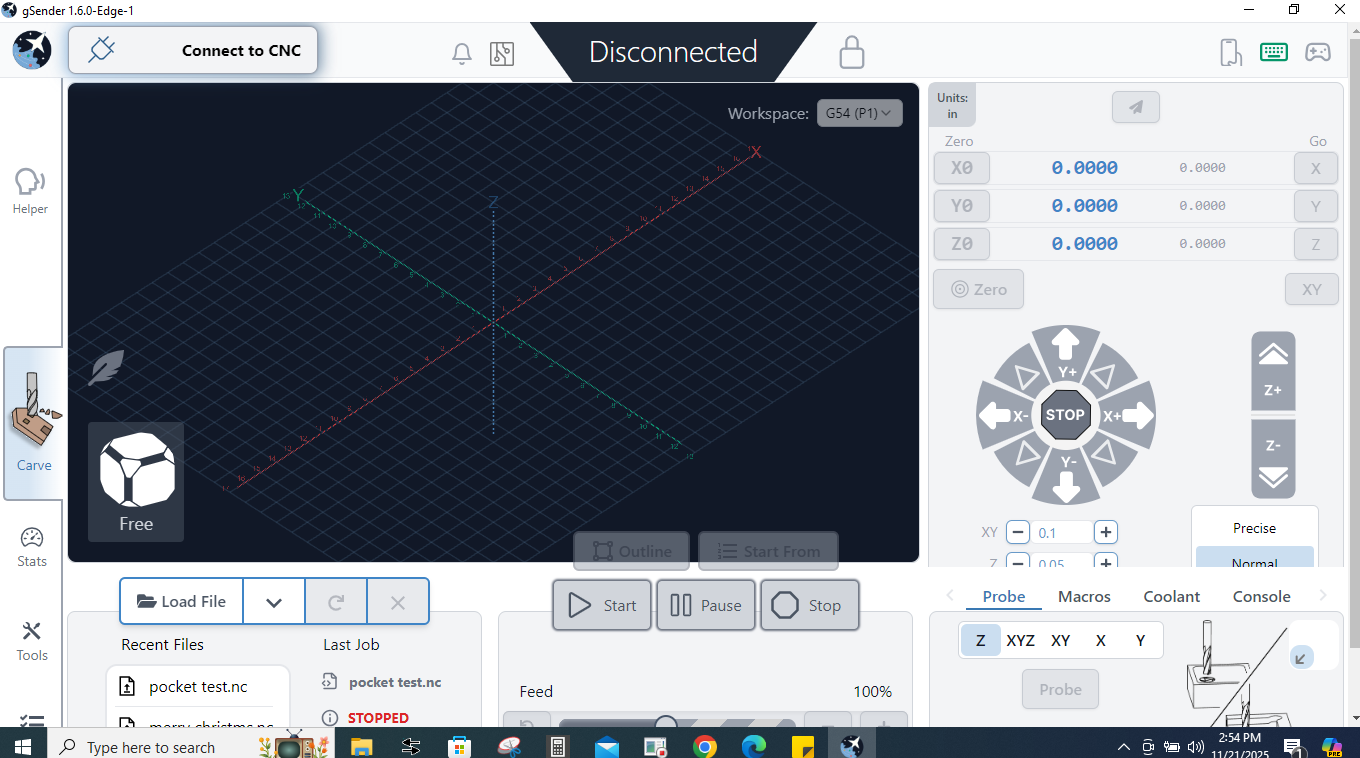
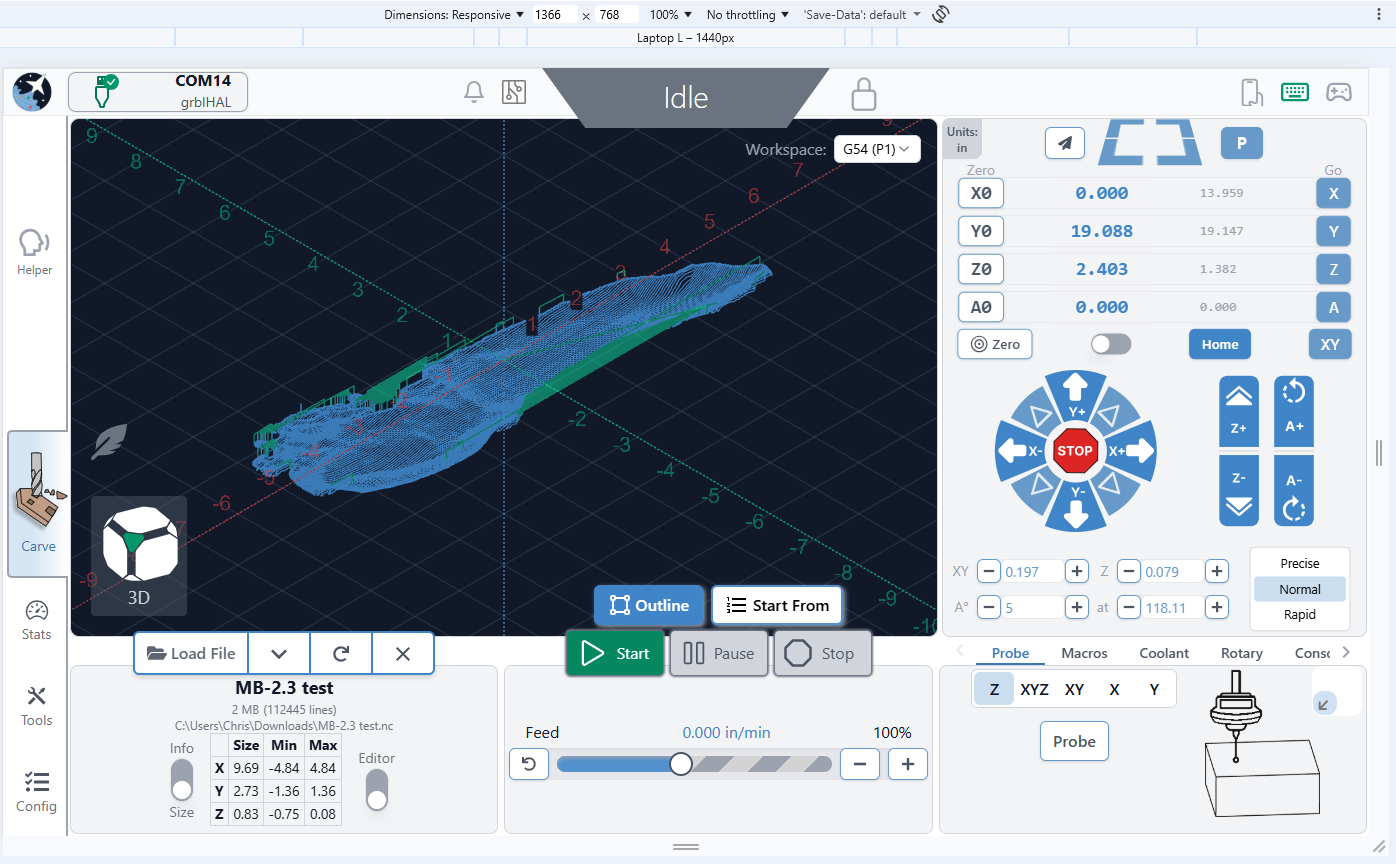
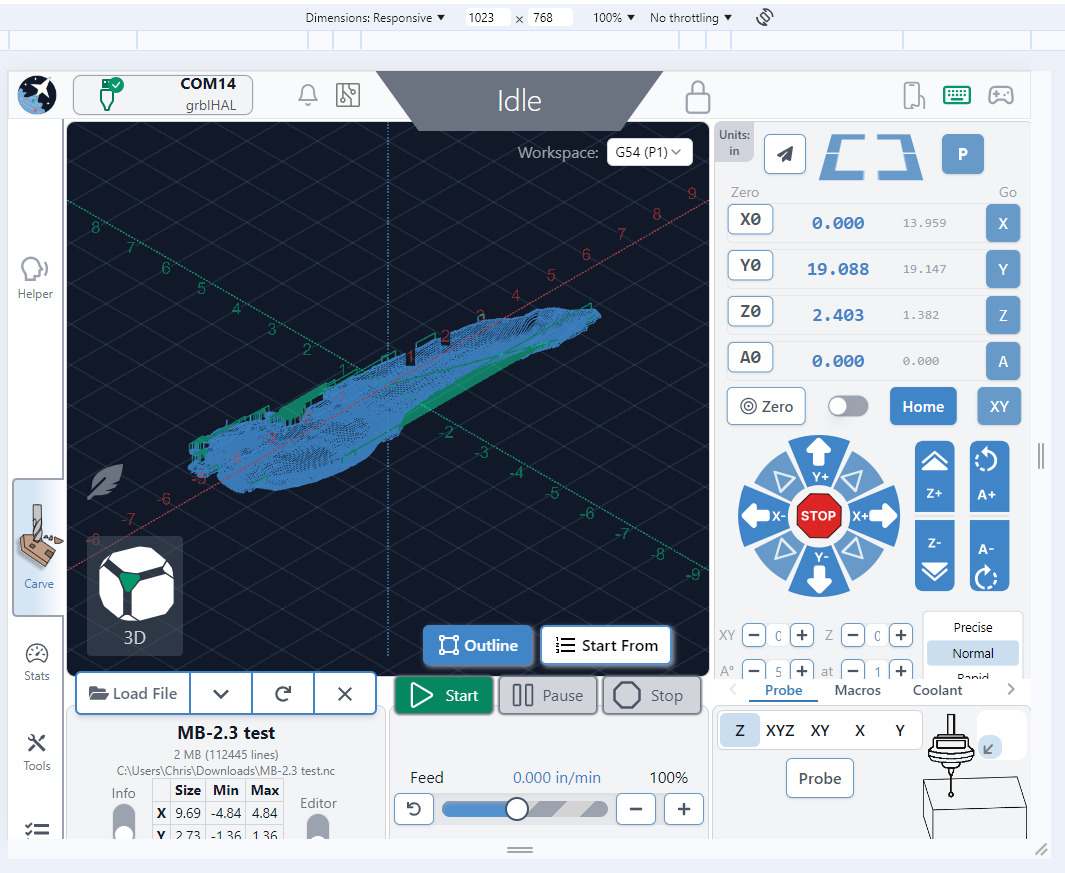
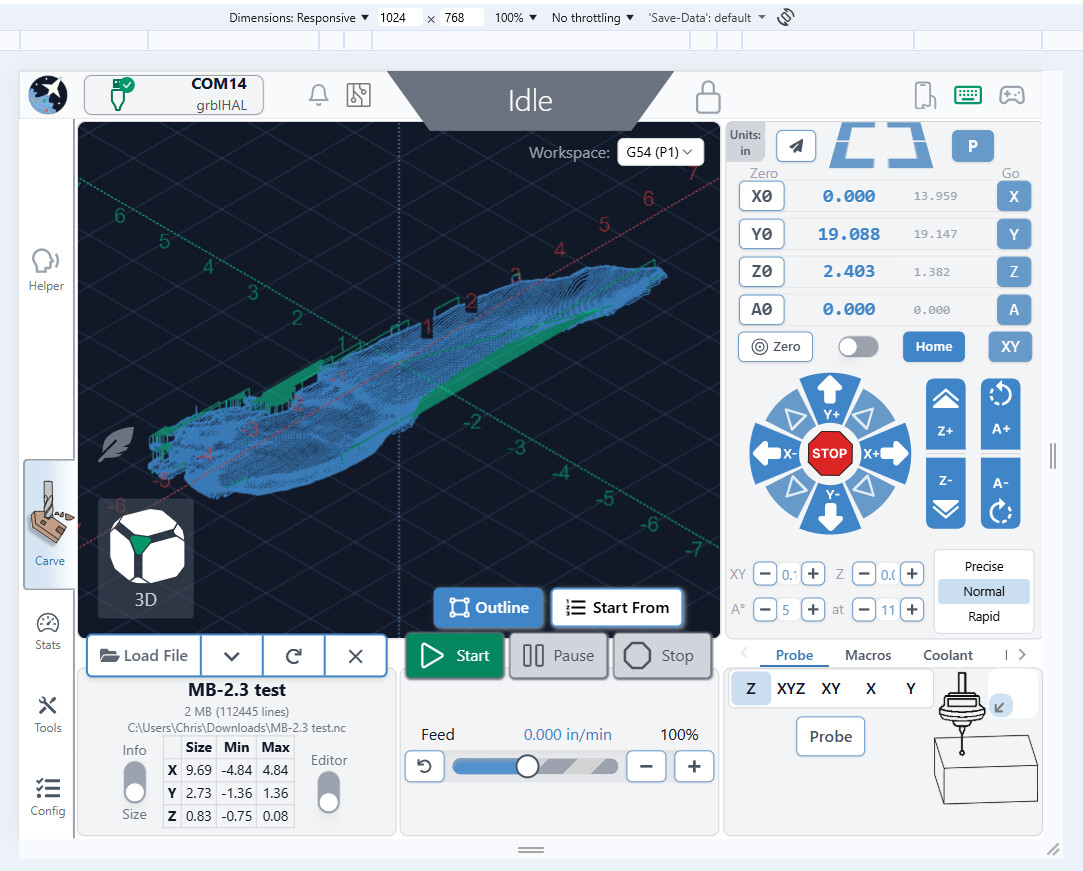
The only thing I have seen recently was specific to the gControl about changing the default resolution from 125% to 100% and that eliminates the squish. It’s been a bit since I have done anything GUI on a Pi but I remember them having less options for resolution. Perhaps worth a shot though.
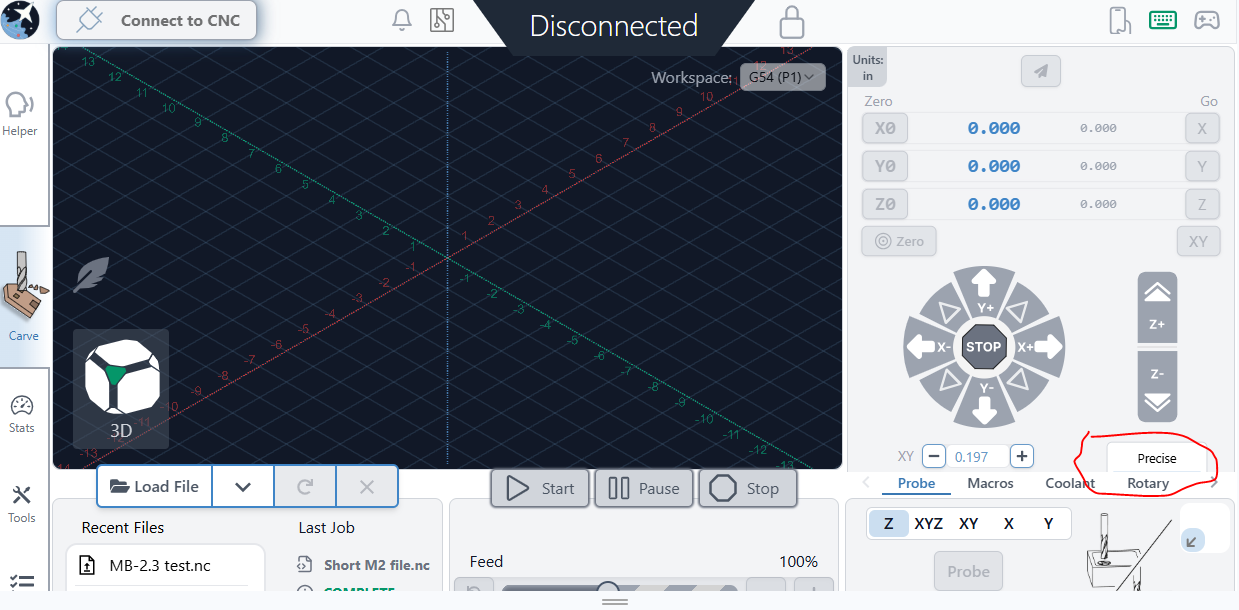
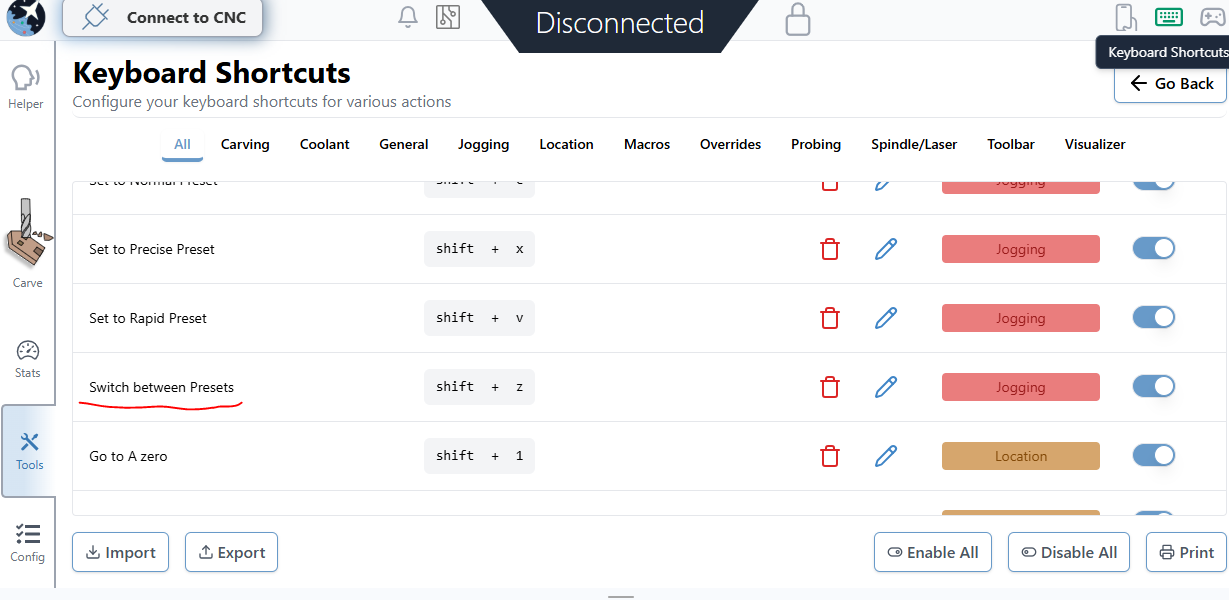
When I start up GSender, the jog defaults to precise. When I left or right click on the “Precise” button it goes blue but I can’t see or scroll to Normal or Rapid. . Any ideas please?
GSender -1.5.7 - previous version worked fine.
Machine in Australian BlueCarve Bluey V1 Running and an Arduino CNC Shield) Preety much an X-Carve.. Thanks.
@Konkon What version of gSender are you running? What machine do you have, and if it is a Sienci machine, what controller are you using? This information may help tech support to resolve your issue.
Good Questions thank you. GSender -1.5.7 - previous version worked fine.
Machine in Australian BlueCarve Bluey V1 Running and an Arduino CNC Shield) Preety much an X-Carve.. Thanks.
It’s sad that this is still an issue. I check in occasionally to see if it was rectified. While gSender is fantastic software and I don’t want to use anything else, and due to the fact I use an old laptop in the shop (1366x728), because I don’t want a new one near the dust, I am still running ver1.4. That’s my fix.
If that’s the case, it’s likely you’re having an issue similar to others on this thread I’ve moved your post to. If that’s the case, read above for some solutions to this problem, as well as hang tight as we’re working on some further improvements now to resolve this situation for more people
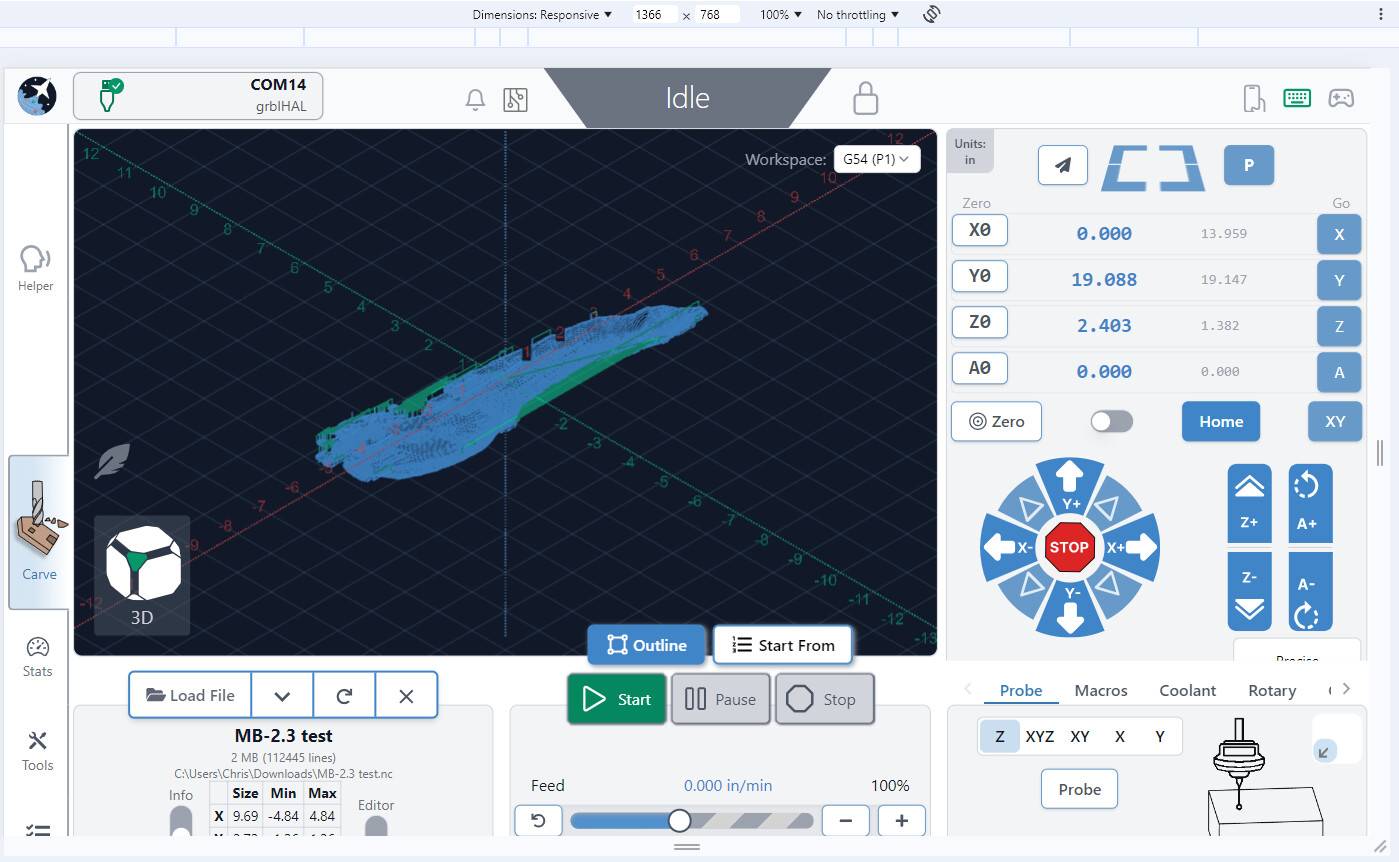
To anyone on this thread with the resolution problem that would like to try out the work I spent on it today and let me know if it seems to fix things and look good on your end, here’s an experimental Edge download you can try out over the weekend
There’s still a couple remaining tweaks, but if overall it seems to fix everyones setups then the feedback will be great to hear and we’ll be able to push the changes for the next Edge build!
It’s seeming like with the tweaks made the UI looks nice and normal now on 1366x768 and even 1024x768
My problem is scaling as reported earlier in this thread. @chrismakesstuff in this thread, 6 messages ago posted a link to a CI.yml file which is expected to solve this issue. My screen size is 1366 x 768 and I am using Gsender version 1.5.7.
Ok, I think I am tracking now… Well, @chrismakesstuff can correct me if I am wrong but…
Chris was asking for feedback so he can push to the next release so the changes for 1366x768 are not available yet.
Since you are using an appimage, you likely do not have a CI.yml file to edit. You can do a search for it or create one in the directory you have the appimage saved in to see if it will read it. nano CI.yml and paste the data from Chris’s file into it.
You might be able to try the .deb installer and see if it creates a directory with a ci.yml that you can edit.
The link Chris provided does in fact point to a Github page where a CI.yml file is available and can be downloaded. I will try to place it in the directory where my AppImage is located and if this does not work I will try to reinstall Gsender from a .deb file and replace any CI.yml file with the one provided by Chris.
Incidentally, when I reduced the screen scaling of my computer to 90% and ticked the option “Scaled by the System’” and set the Display’s bottom panel to autohide I did manage to get most of the Gsender options to display but this played havoc with other installed software on my PC, notably Brave Browser, so I had to revert back to the standard Display options.
I do hope Sienci finds a better solution to this issue. Looking at past threads it seems to have plagued many other users. So far it seems that the best option is to add a high resolution monitor, which I am doing, but this to me clutters the CNC working area besides placing another piece of electronics in a dusty environment.