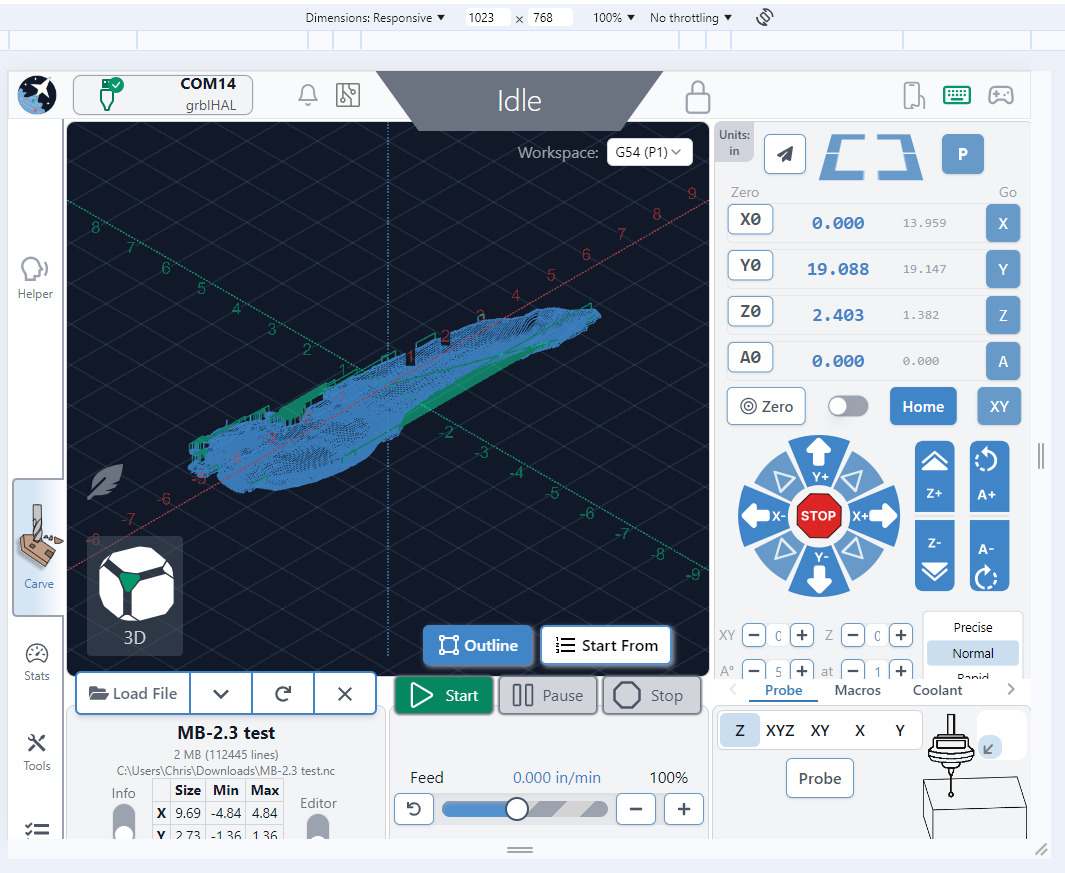
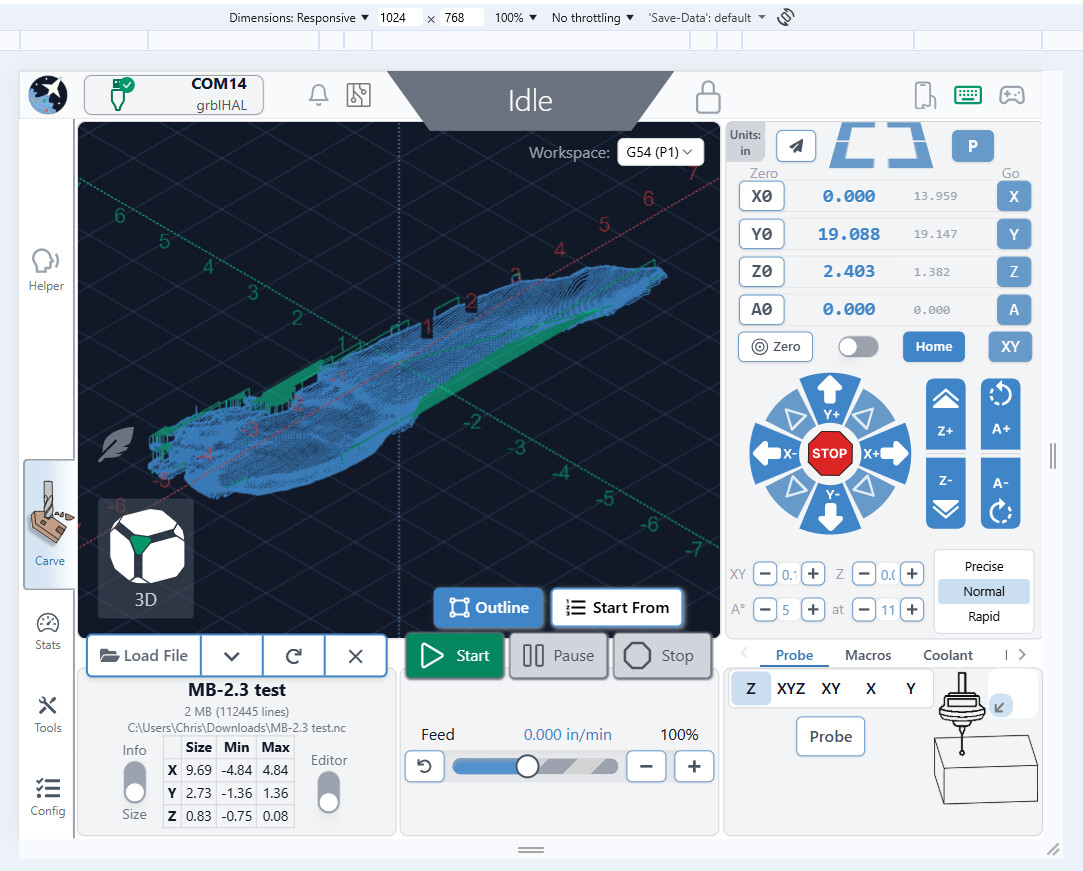
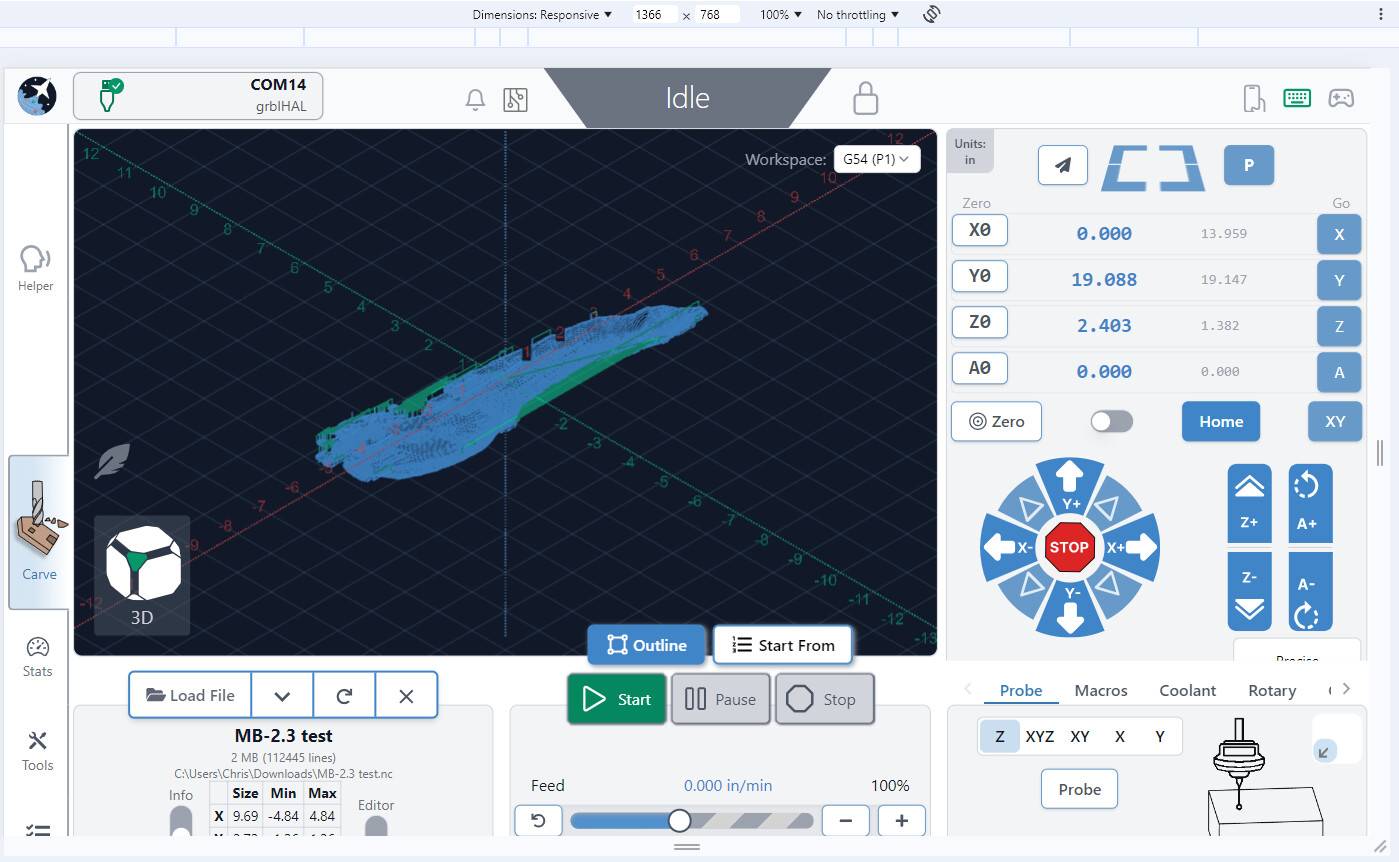
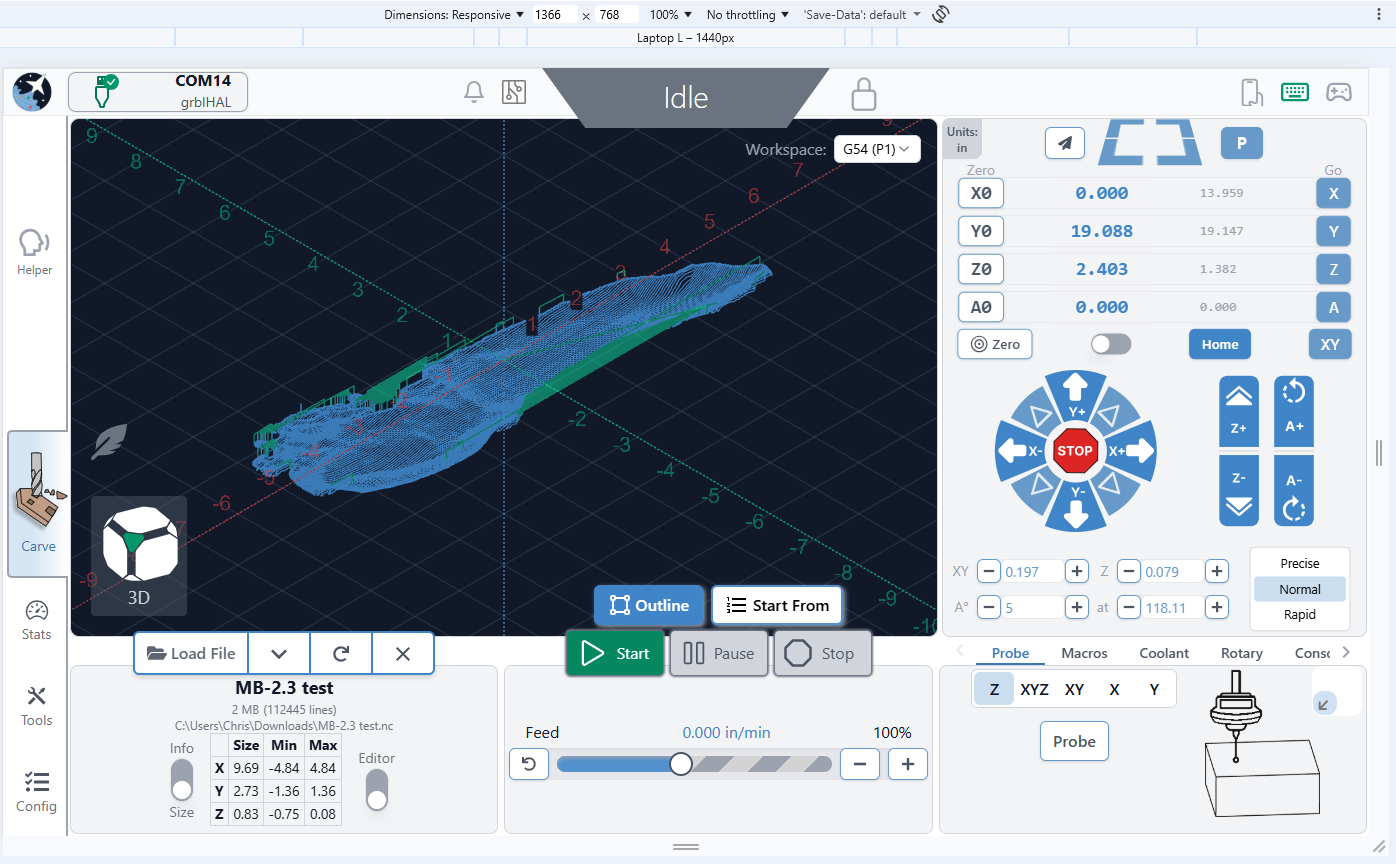
The link Chris provided does in fact point to a Github page where a CI.yml file is available and can be downloaded. I will try to place it in the directory where my AppImage is located and if this does not work I will try to reinstall Gsender from a .deb file and replace any CI.yml file with the one provided by Chris.
Incidentally, when I reduced the screen scaling of my computer to 90% and ticked the option “Scaled by the System’” and set the Display’s bottom panel to autohide I did manage to get most of the Gsender options to display but this played havoc with other installed software on my PC, notably Brave Browser, so I had to revert back to the standard Display options.
I do hope Sienci finds a better solution to this issue. Looking at past threads it seems to have plagued many other users. So far it seems that the best option is to add a high resolution monitor, which I am doing, but this to me clutters the CNC working area besides placing another piece of electronics in a dusty environment.
Placing the CI.yml file in the AppImage directory of gSender did not affect anything but this was perhaps to be expected as apparently an AppImage maintains all it needs inside.
I opened up the deb file and indeed there are at least 3 different directories which contain a ci.yml file. All 3 bear little resemblance to the CI.yml from Chris so I did not dare replacing any one of those.
Hi @Xuraax sorry for a late response - it’s possible that the experimental build I provided might just not be possible for you to test since our auto-builds only span a couple main systems, but hopefully others are able to try it out to verify. Worst-case scenario, we’ll have my edits put live into the next Edge build which should have all the typical build options available so you could try it then - and if things are still looking awry then definitely report them back to this thread so I can make further modifications
Hi @chrismakesstuff , thanks for replying. Whilst appreciating the effort you do in creating such apps I must say I was a disappointed with your reply.
The issue of scaling is a long standing one with gServer. Even the current thread was started 9 months ago. It seems to me that by now Sienci should have come up with a reasonable solution.
Furthermore in your message of a week ago proposing a solution, you requested “anyone on this thread” to try it out and report back.
Moving on, I look forward to the date when you will be issueing a fix on the Edge build. In the meantime i have downloaded the most recent edge release 1.6 dated about 4 days ago and I tried it on 2 PC’s , the old one with the 1366x786 display and a modern one which has a 1920x 1080 display. Both have the same updated Fedora OS installed.
The app took forever to load to the point that i considered giving up, but when it finally did scaling was much improved but not perfect. You still have to do a bit of scrolling to see the bottom edge but there is nothing significant there. Strangely, when I then re ran version 1.5.7 , scaling improved also on this.
Running Edge on a modern PC had no scaling issue but the loading time took a whole 60secs.
As of the more recently released 1.6.0 Edge 4 I believe any outstanding issues with items not fitting on certain screen sizes correctly should now be resolved! I made a couple more tweaks before the release, and I’m keen to hear any remaining feedback on what people think is still wrong, but hopefully most cases of items not visible on certain resolutions should now be mostly addressed.