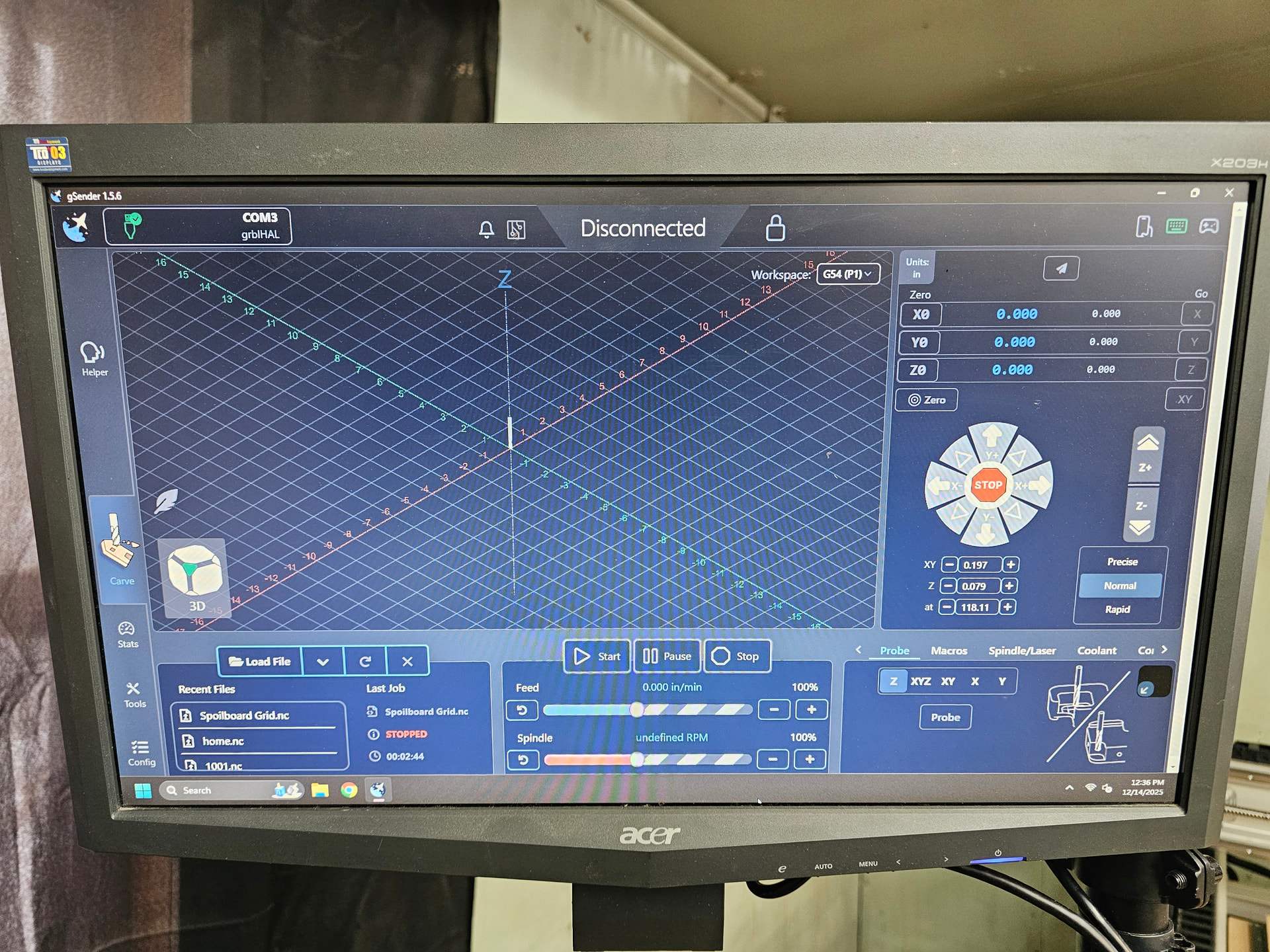
My altlmill has been running fine for one day. I go out this morning and the second I start a job, any job, I immediately get alarm 14. Spindle begins to spool then shuts off. Clear alarms and machine won’t jog (if it does, i lose control just after and have to hit e stop because it just keeps going). Power cycled, reconfigured, checked everything, went through all of the initial setup steps from sienci, checked drivers, updates, different usb cables (since I cant seem to get ethernet set up yet) (and probably some other things I did that I cant think of at the moment) probably 50+ times in the last 5 hours. Its the same every time. Code 14, then loss of connection. Though the drop down says its connected. Click to disconnect and reconnect then it says unable to connect and the power cycling starts over. Am I missing something??
Windows 11, latest Gsender version
Everything worked flawlessly yesterday when I finished the machine.
@Afterlife At the bottom right of gSender, there’s a “spindle” tab. Select it and then see if you can control the spindle from there (assuming you can reconnect to the SLB, of course)
I have the same issue on Modbus and Huanyang 2.2kW spindel.
It shows sometimes when a job is done or if i toggle speed down with the slider.
It ran perfectly on OpenBuilds Blackbox on analog 0-10V never had a issue, only on SLB-EXT.
There is no setting i can toggle to get rid of it.
The VFD is coded correct.
Still nothing. I went through everything today. Double checked everything, proper power cycle. Ran the configuration. Im getting alarm 14 immediately apon any command to spool spindle (though it does spool to a low rpm before shutting down a few seconds later) followed by an Error 1 - Expected command letter, which i dont think i noticed before .
@Afterlife In gSender, enable the “View Modified” toggle at the top. This will show you all the settings that were changed from the defaults. Under the Spindle section, the only change you should have is H100 for the Sienci spindle
@Afterlife I just changed the “Spindle on delay” value from 11s to 1s and immediately get Alarm 14 on starting the spindle. Maybe the value you have is too low ?
@Afterlife The value itself is also dependent on the spindle speed. For a minimum speed of 7500rpm (also the default), the minimum value for the delay I could set before getting error 14 was 3s. If the speed is higher, then the delay will have to be higher as well. So maybe your minimum speed is set too high as well ? In your video, it looks like you have it at 13000 rpm. That should be ok for a delay of 11s. I have no issue with a speed of 24000 rpm with a delay of 11s.
Just to be sure, after you change the value, you click the “Apply settings” button, right ?
Also, compare the current spindle speed in gSender with the display on the VFD.
Its set to 7500. In the video, I moved the slider up to 13k+ just to try it. All other settings are at recommended.
Always apply and power cycled. I thought last night maybe my VFD settings got messed up, but they appear to be what they should be judging by VFD Settings - AltMill CNC
Ive read that some people with similar issues, lowered the spindle inside the clamp and it was resolved. I cant imagine what difference that could possibly make, but im about to try it after work.
I guess you could always count the time it takes to get to speed and see if it falls within the delay time set. Look at the VFD display for the speed and count how long it takes to get to whatever RPM value you have set with the slider. If it doesn’t reach speed within the delay time, you’ll get alarm 14.
The time is milliseconds at most that the alarm is triggered. Immediate upon all spool commands. Even though it partially spoils maybe to 200rpm. Spool happens after the alarm.
I emailed support over the weekend with as much info, videos and pictures as possible to help solve it. Also a diag zip folder. Hope to sort it out soon .
Thanks for all the help. Ive learned a ton of the ins and outs of the software from the community already because of this. It is appreciated
@Afterlife I just re-read your original post and noticed your issue with jogging as well. That’s really odd and both issues might point to a SLB problem.
 .
. .
.