sorry i have to reopen this thread Noticed a bug on tool change prompt
i’ve changed some stuff in the post processor, and it behaves the way i want to, but GSender still show the number of the second tool wrong
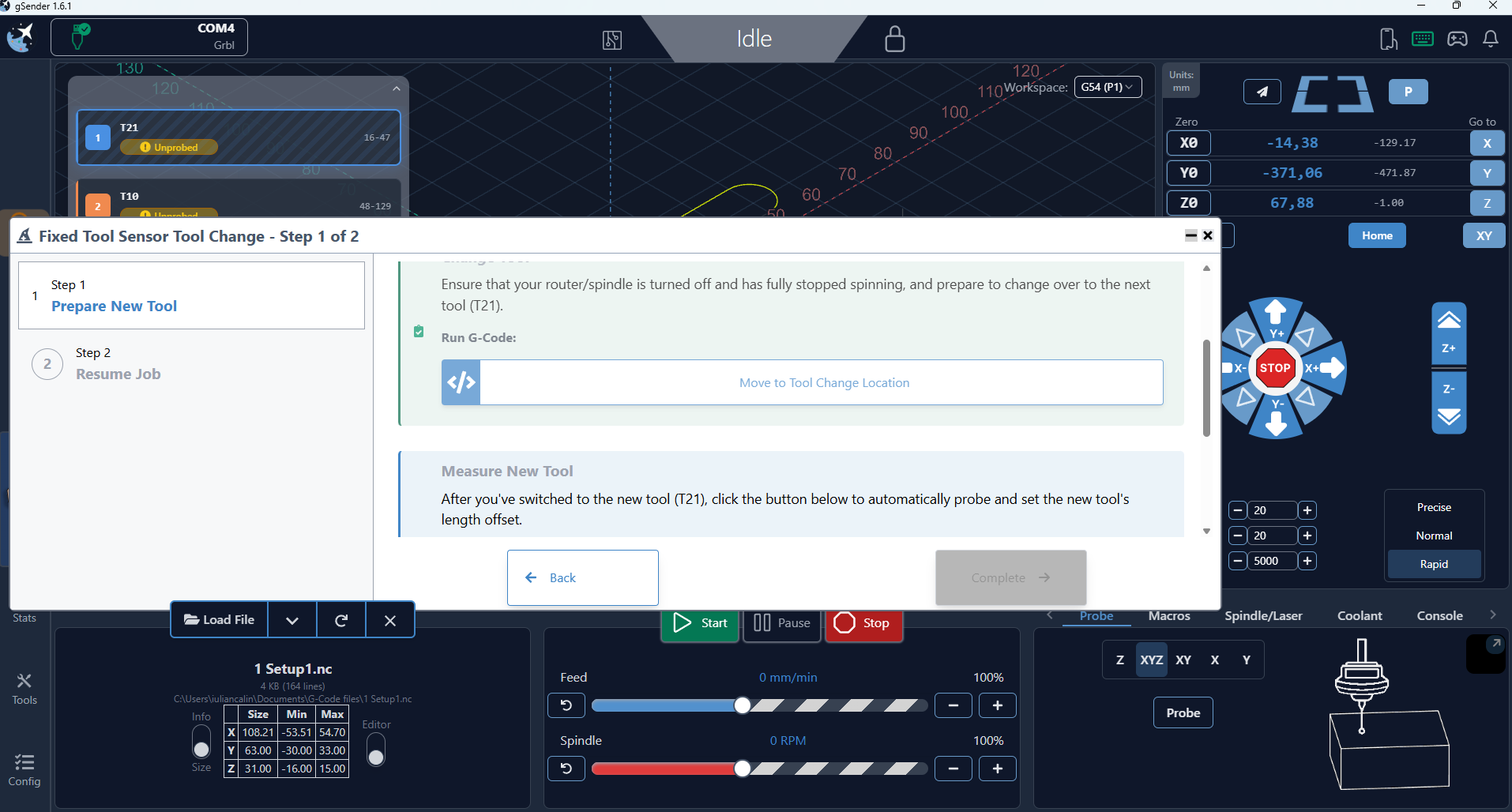
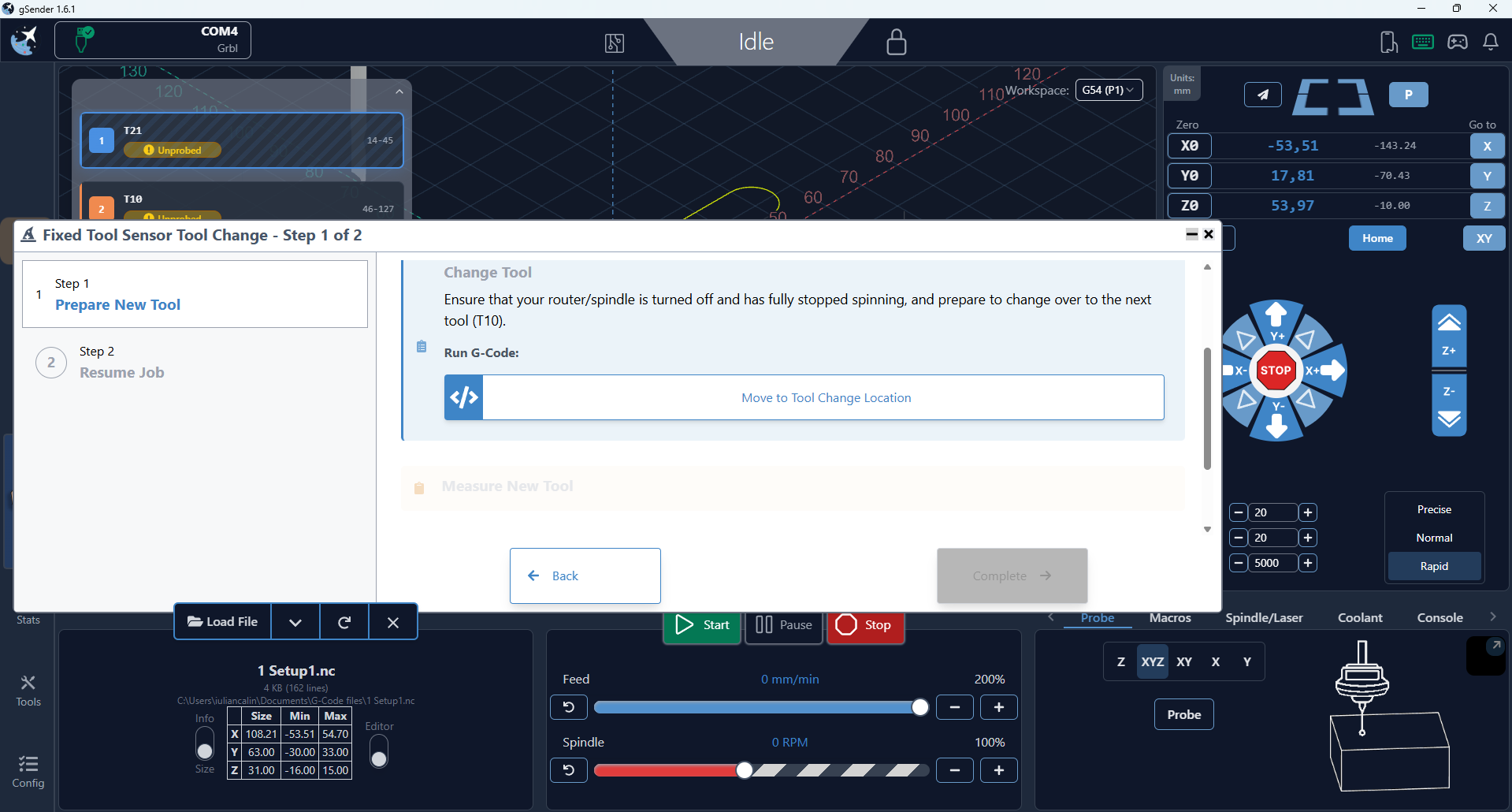
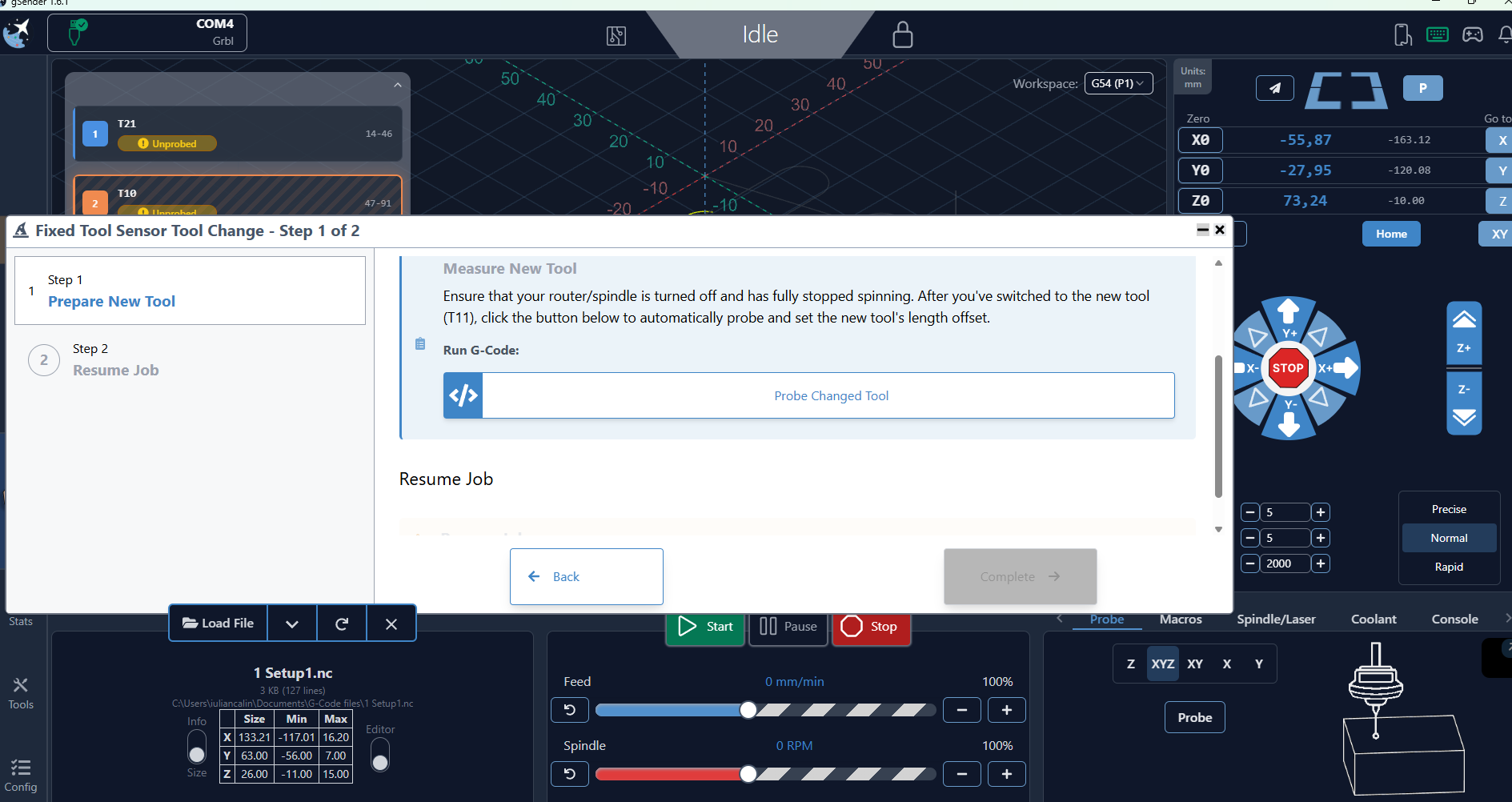
heres an image below, i probed the first tool, and the prompter told me to change to the same tool instead of the next one, my next tool should have been T10 see upper left
am i doing something wrong?
Note: the 3rd tool show correctly
also here is a small snippet of my code from first and second section
(Face2)
T21 M6
S8000 M3
G17 G90 G94
G54
M8
(Bore2)
M5
T10 M6
S18000 M3
G17 G90 G94
G54
M8
i also tried
M6 T21
M6 T10
same behaviour
i did some more changes to the post processor, and it kinda fixed things, but it changes to T21 after i click the Move to Tool Change location button
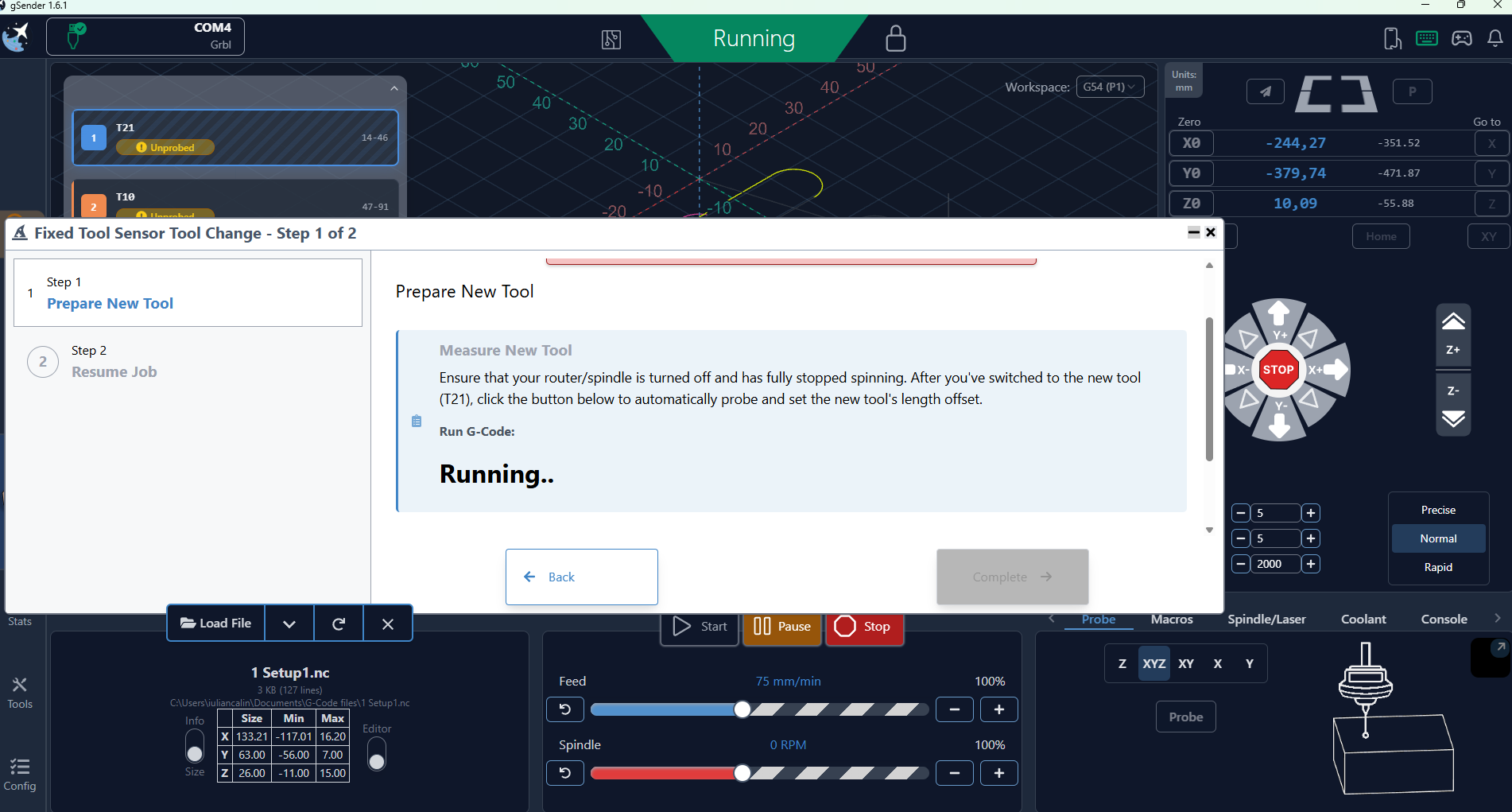
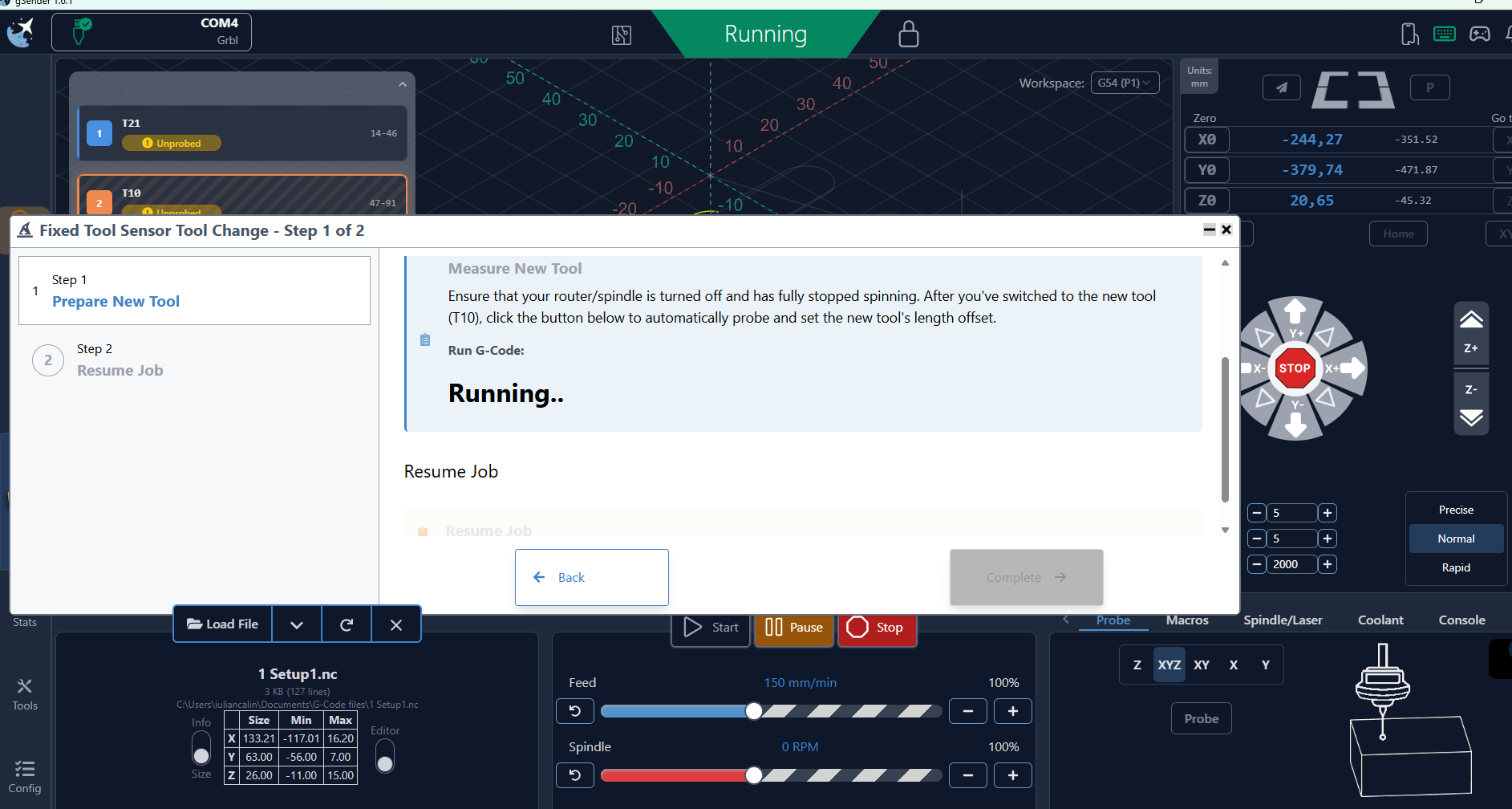
i am telling you somewhere in GSender something is messed up, i did some more testing today and while the tool is getting probed it switches to the previous tool
look i have screenshots , exactly in this order
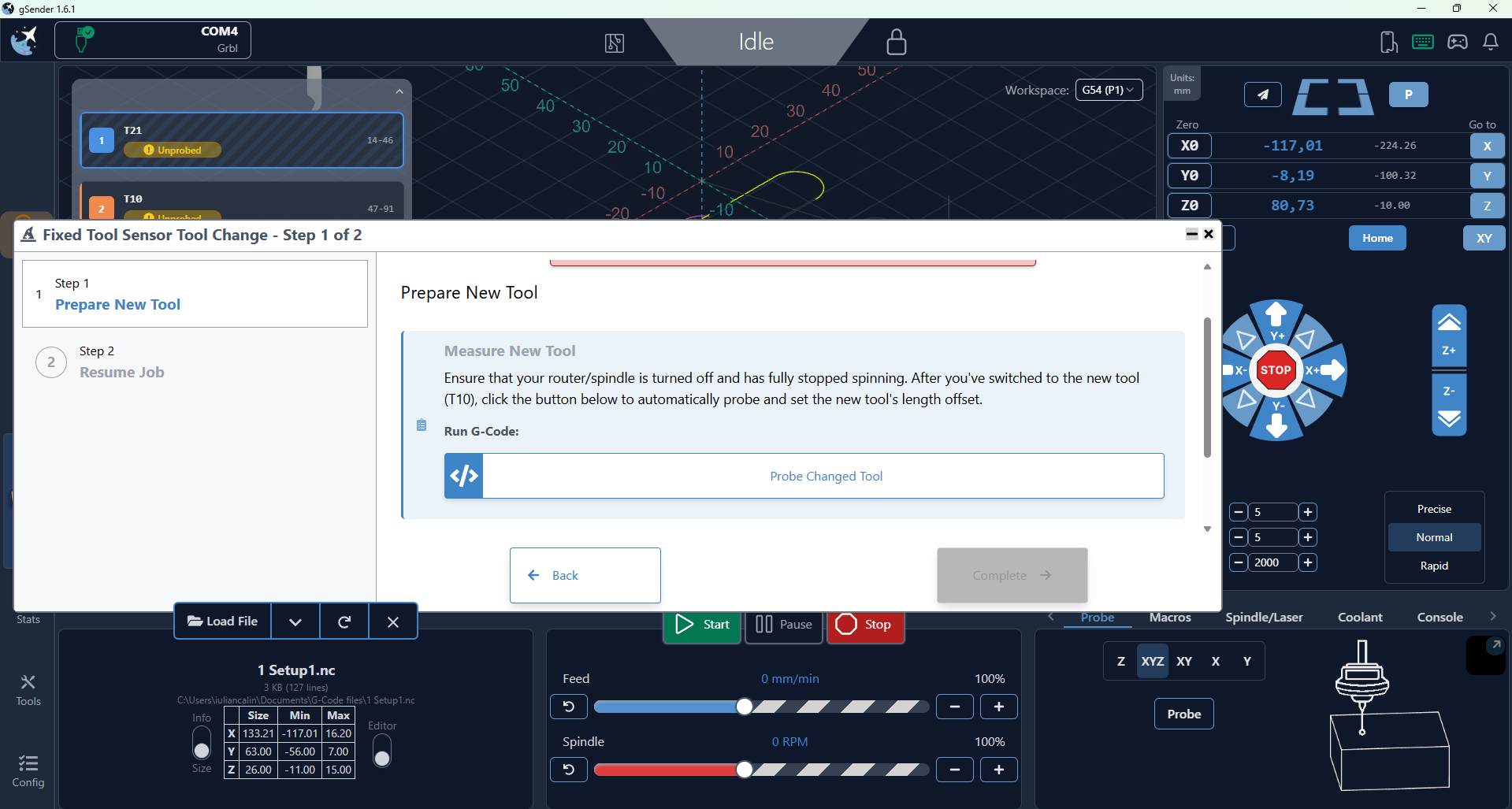
in the images below, those are my 2nd and 3rd tool
edit for better explanation
first image is showing the correct tool, that is the next tool afterT21, the 2nd image is the first tool but the 2nd tool is getting probed T10
3rd image is showing the correct tool T11 the next one after T10, but the 4th image is againg showing the wrong tool, it should be T11 not my previous T10 while it is getting probed